
Free parent tool
Create a free printable reward chart
Live preview
General Reward Chart
Preparing artwork…
Your chart stays in this browser tab. Star Rewards does not upload, log, or analyse what you enter.
Four templates included
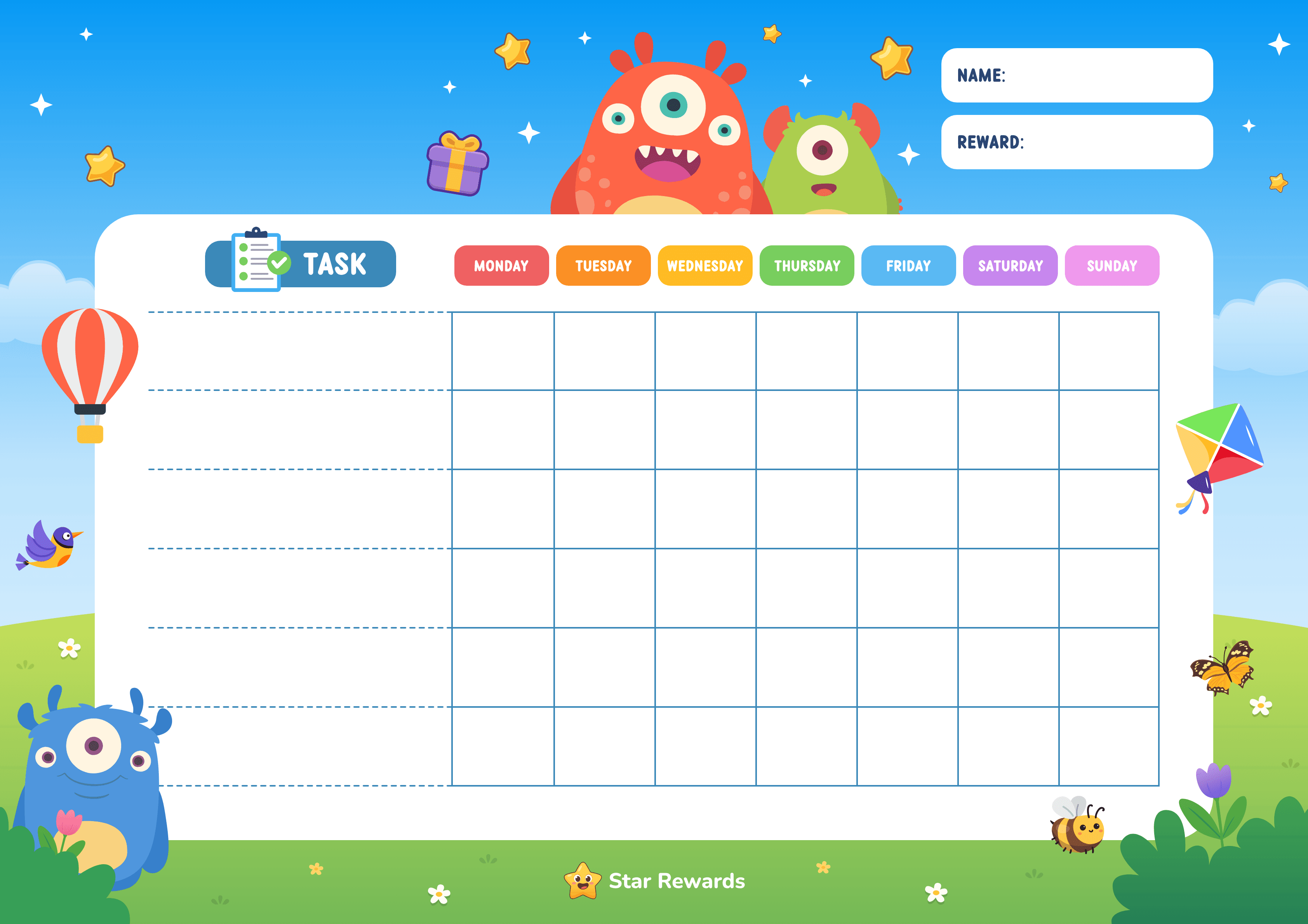
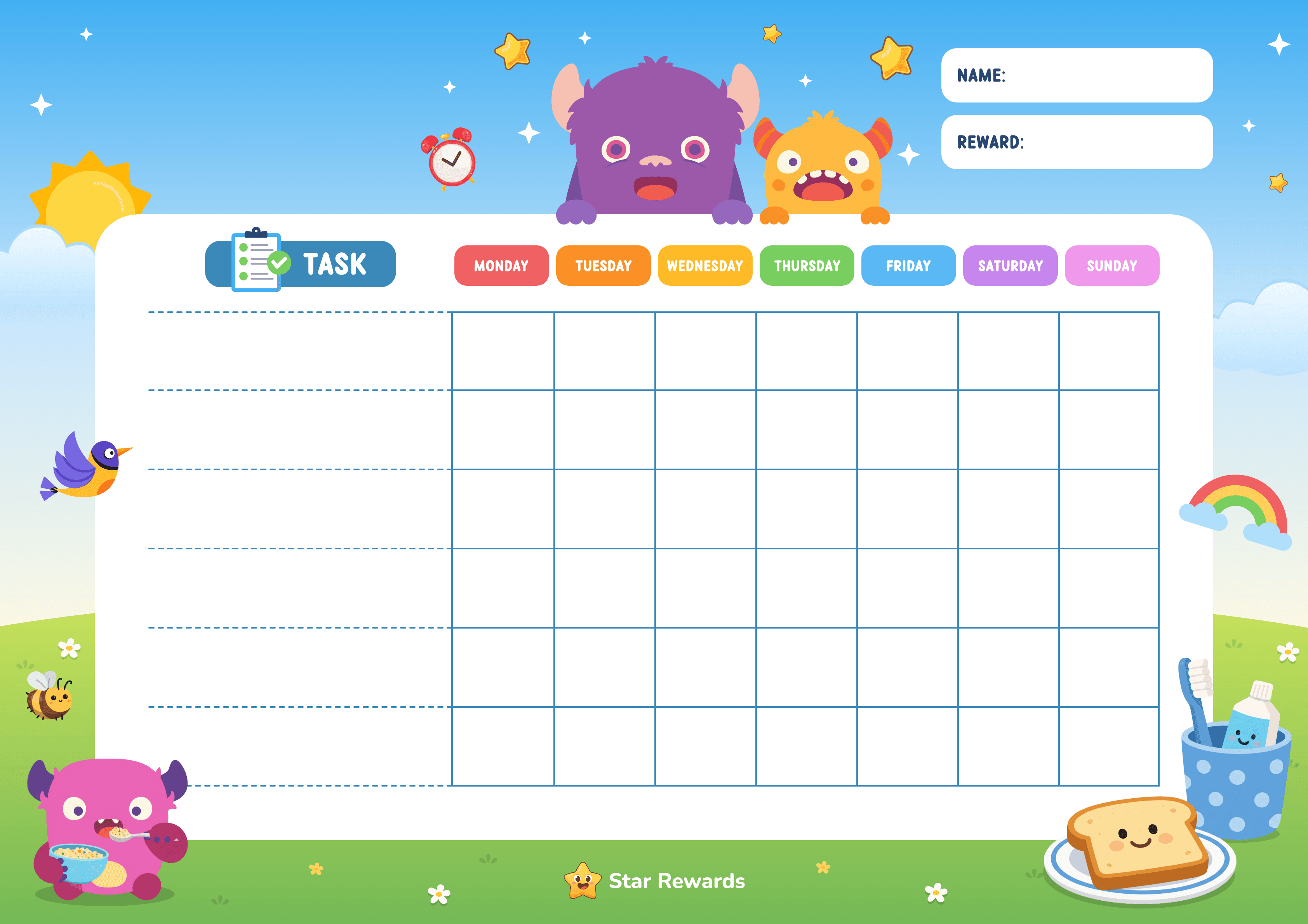
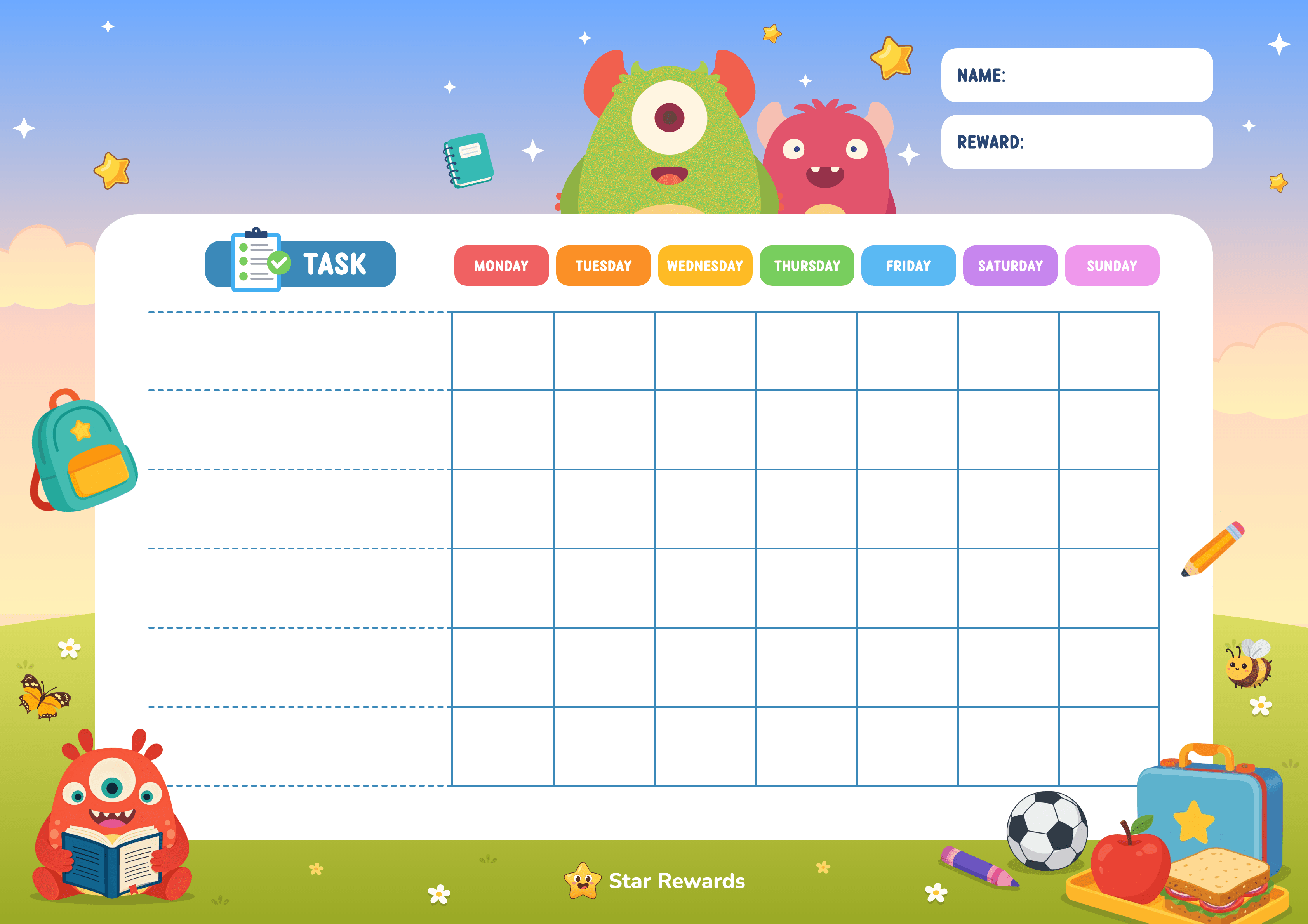
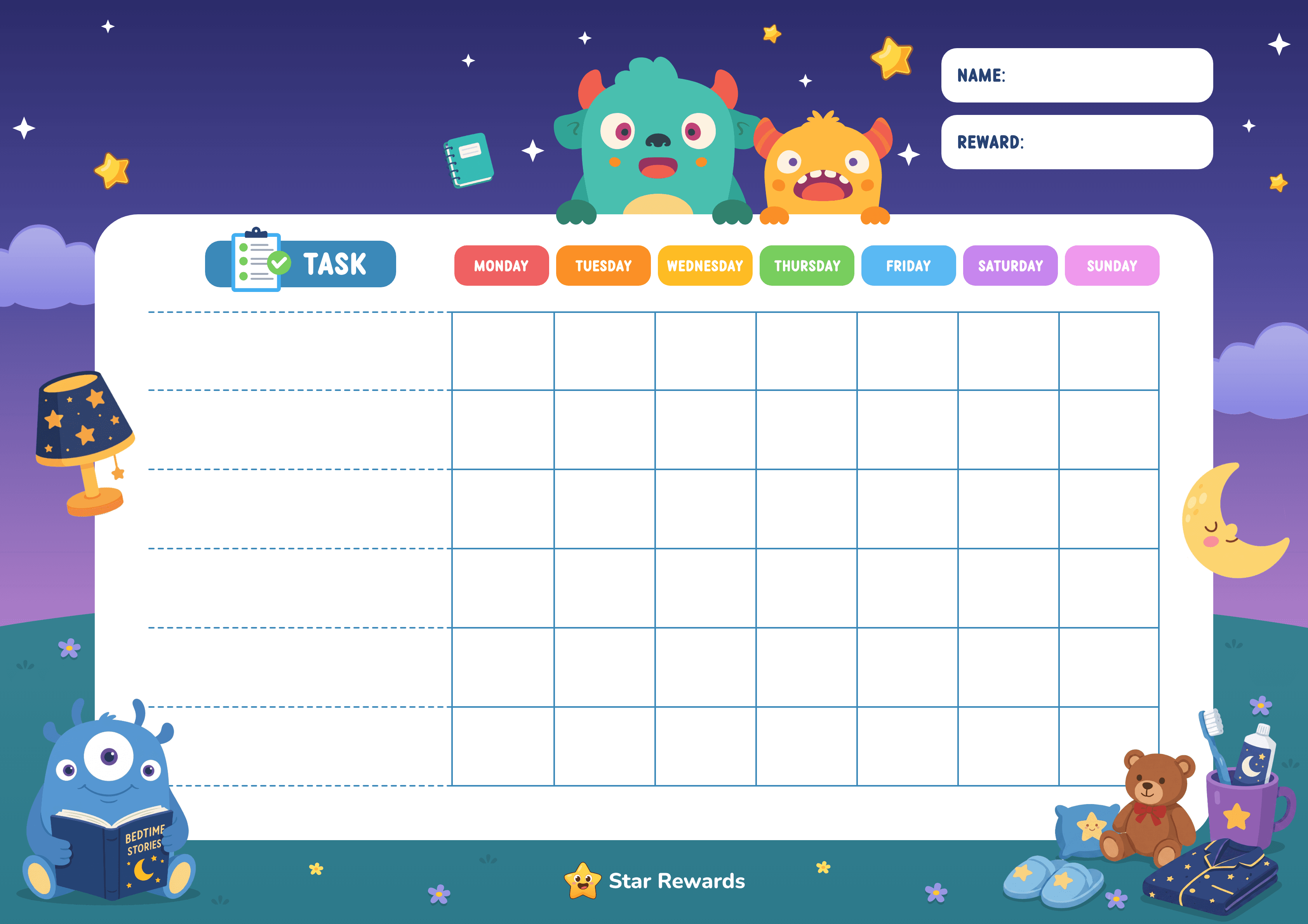
Choose a chart that fits the routine
Start with the general chart or use a ready-made morning, after-school, or evening layout. You can change the title, name, reward, and up to six tasks before printing.
Ready in a few minutes
How to make your reward chart
- Choose a template. Pick the part of the day you want the chart to support.
- Add clear tasks. Write actions your child can recognise as finished, such as putting shoes by the door.
- Agree on the reward. Choose something your child wants and your family can provide comfortably.
- Print or download. Use A4 or US Letter paper, and choose the low-ink option when you want to save colour ink.
Keep the first chart simple
What should go on a reward chart?
Begin with one to three familiar tasks. Each task should name something your child can already do with the help you have agreed, and both of you should be able to tell when it is done.
Learn how to choose the first task and rewardNot sure which kind of chart fits the problem? Read how to choose the right type of chore chart.
Simple task ideas
- Put pyjamas in the hamper
- Brush teeth after breakfast
- Put the school bag by the door
- Place the dinner plate beside the sink
- Put books back on the shelf
- Get ready for the bedtime story
Print it your way
A4, US Letter, colour, and low-ink charts
Choose A4 or US Letter before downloading your PDF. For browser printing, select the same landscape paper size in the print dialog, turn off browser headers and footers, and use “fit to page” if your printer adds margins. The low-ink setting keeps the chart readable while reducing the amount of colour used.
Your entries stay in the current browser tab. Star Rewards does not upload the child's name, tasks, or reward to an account or publishing system.